
How to Format Your Photo & Signature for a Trinidad & Tobago Driver's Licence.
Applying for your driver's licence or provisional permit online? Before you upload your documents, make sure your photo and signature meet the required format.
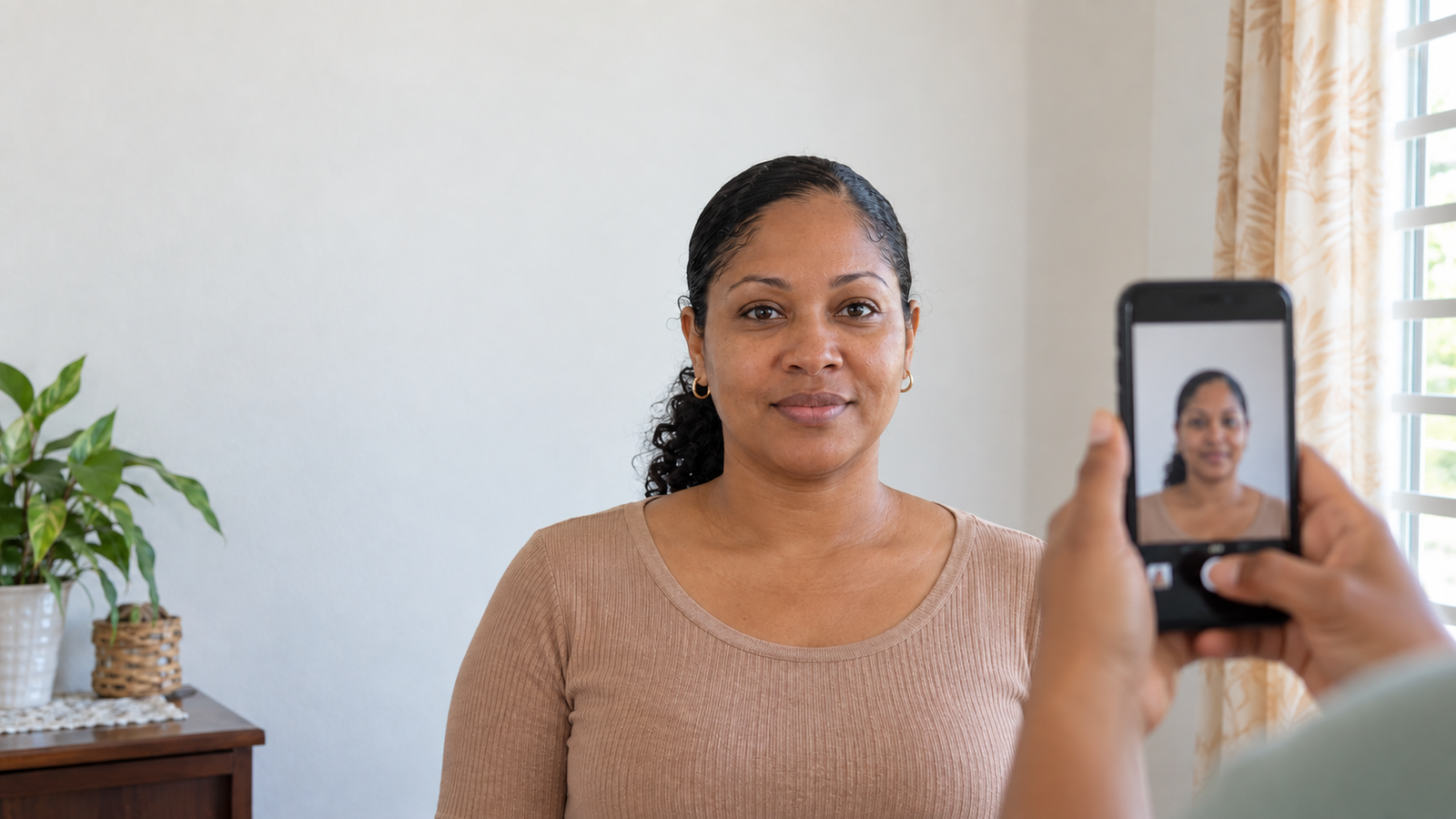
Applying for a driver's licence or provisional permit is easier when your documents are ready before you begin.
One of the things that can cause unnecessary frustration is discovering that your photograph isn't the right size, your background isn't suitable, or your signature isn't formatted correctly.
This guide breaks down the basic photo and signature requirements for online submission in Trinidad and Tobago, so you can prepare your files before uploading them.
At a Glance
Driver's Licence & Provisional Permit Photo
5.3 cm × 4.3 cmColour photo with a white background.
Digital Signature
Minimum 300 × 300 pxWhite or transparent background.
How to Format Your Driver's Licence or Provisional Permit Photo
Driver's licence and provisional permit photos use the same specifications, so you can follow these requirements for either application.
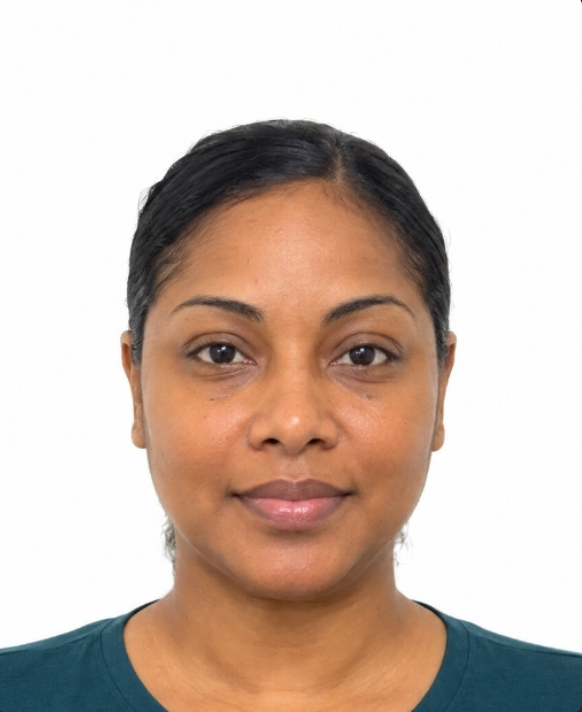
Photo dimensions
Your photograph should be 5.3 cm high by 4.3 cm wide.
Your photo should:
- ✓ Be in colour
- ✓ Have a white background
- ✓ Show your head facing straight toward the camera
- ✓ Be taken within the last 3 months
- ✓ Be clear and in focus
- ✓ Be saved as JPG, JPEG or PNG
Getting the pose right
Your face should be clearly visible and positioned straight toward the camera.
Try to avoid:
- Tilting your head
- Looking away from the camera
- Strong shadows across your face
- Busy or coloured backgrounds
- Blurry photographs
- Anything covering or obscuring your face
How to Format Your Driver's Licence Signature
Your photograph isn't the only image you may need to prepare. When completing an online driver's licence renewal, you may also need to upload a digital image of your signature.
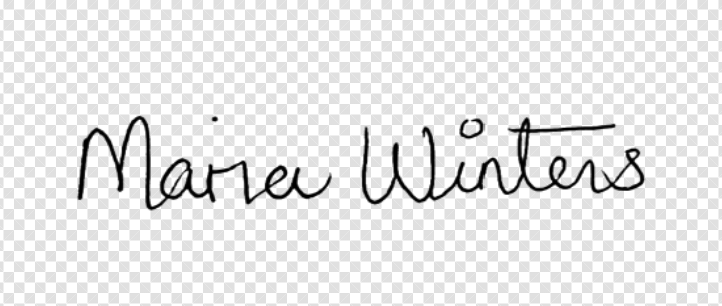
Signature requirements
How to create a clean digital signature
You can create your digital signature using a clean sheet of white paper and a dark pen.
- Sign your name clearly on a clean sheet of white paper.
- Take a clear photograph or scan of your signature.
- Make sure the entire signature is visible.
- Crop away unnecessary empty space if necessary.
- Make sure the signature remains clear and readable.
- Save the image as JPG, JPEG or PNG.
- Make sure the final image is at least 300 × 300 pixels.
Photo vs. Signature Requirements
The photo and signature have different requirements, so it's important not to treat them as the same type of image.
| Requirement | Driver's Licence & Provisional Permit Photo | Signature |
|---|---|---|
| Size | 5.3 × 4.3 cm | Minimum 300 × 300 px |
| Colour | Colour | Clear signature |
| Background | White | White or transparent |
| Recent | Within 3 months | Not specified |
| File format | JPG / JPEG / PNG | JPG / JPEG / PNG |
Your Quick Upload Checklist
Before submitting your application, take a moment to check each file.
📸 Driver's Licence & Provisional Permit Photo
✍️ Signature
Get Your Photo Ready for Submission
You don't need complicated photo-editing software to prepare your driver's licence or provisional permit photo.
With SerenAlign, you can capture or upload your photo from your phone and get it automatically cropped and aligned for submission.
Prepare My Photo →